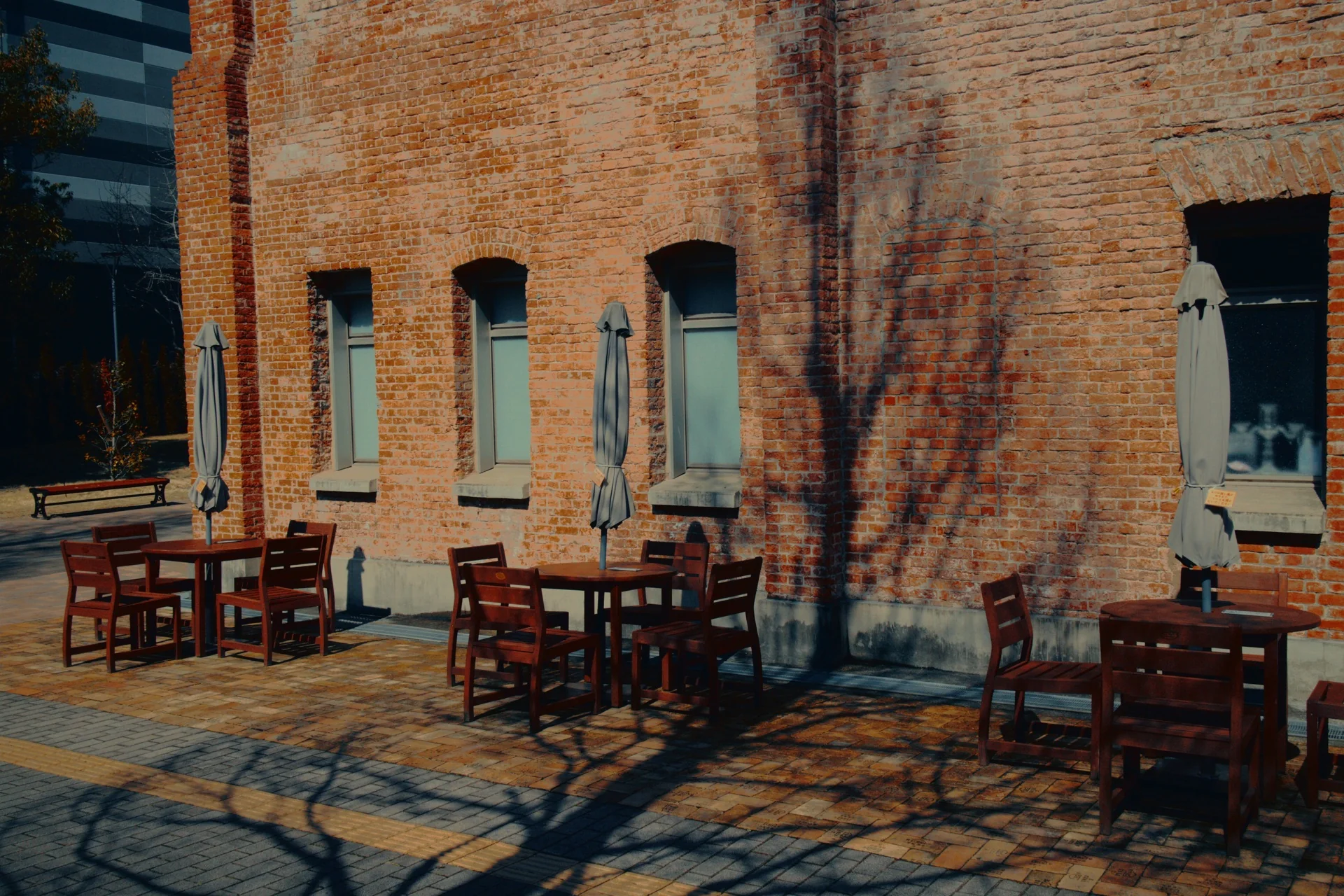
Same recipe / Two scenes
2486
One code. Two different frames.
Carry the same grading recipe across different footage, then review exposure and balance for each shot.

OpenFX for DaVinci Resolve / Rec.709
Build distinctive looks by combining four independent grading components—then refine, save, and return to them anytime.
Refund policy: Because this is a digital product, purchases are non-refundable once the download link has been provided, except where required by law or if a seller-attributable defect cannot be corrected or replaced. Full terms.
Tested with DaVinci Resolve 21 Free + Studio on Apple Silicon / Windows beta tested on Windows 11 with NVIDIA RTX 2000 Ada / DaVinci Resolve for iPad not tested
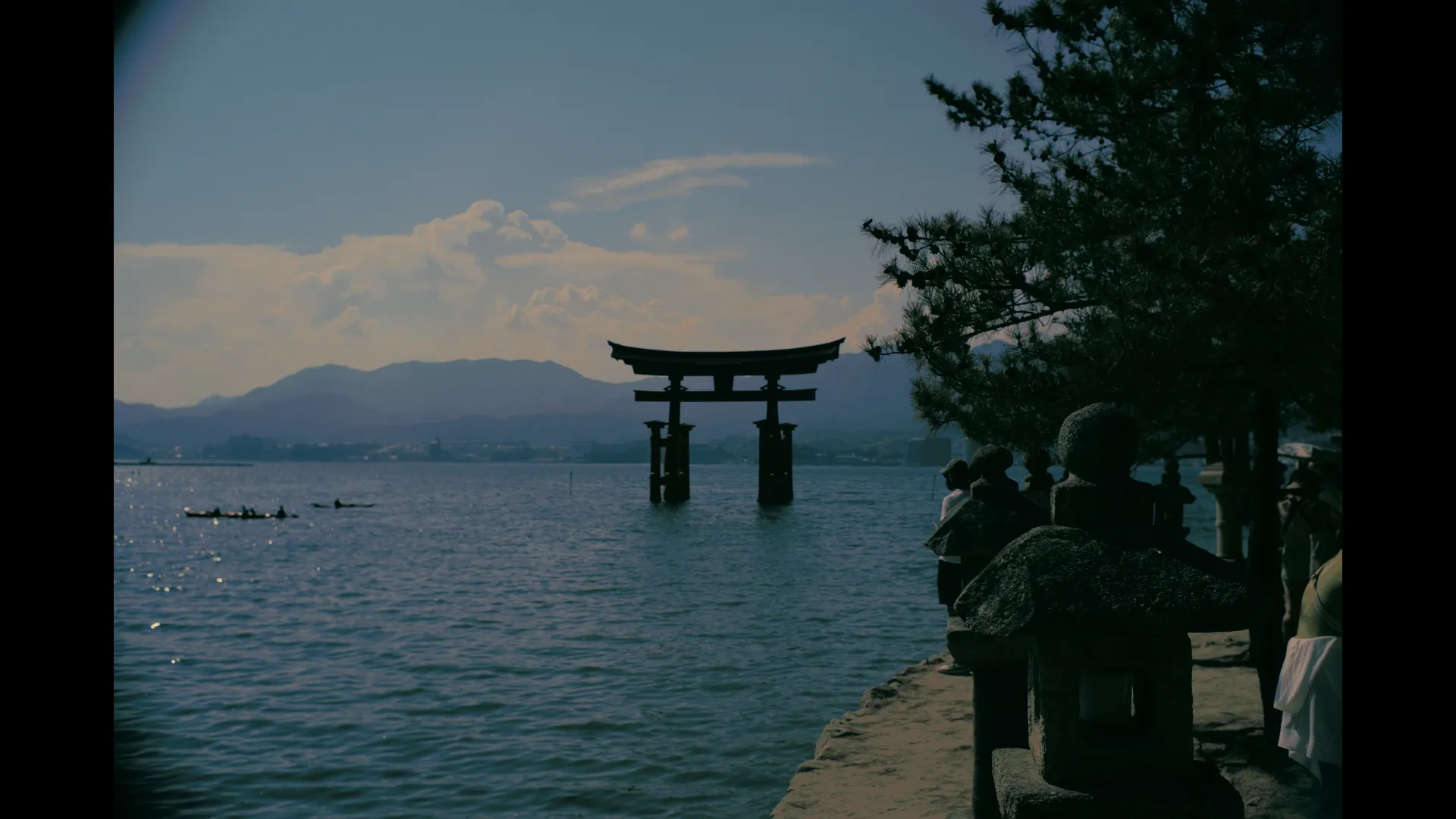
Swipe through real codes to change the selected look, compare it against a neutral reference, and keep the directions worth returning to. The four-digit recipe makes every saved look easy to recreate.
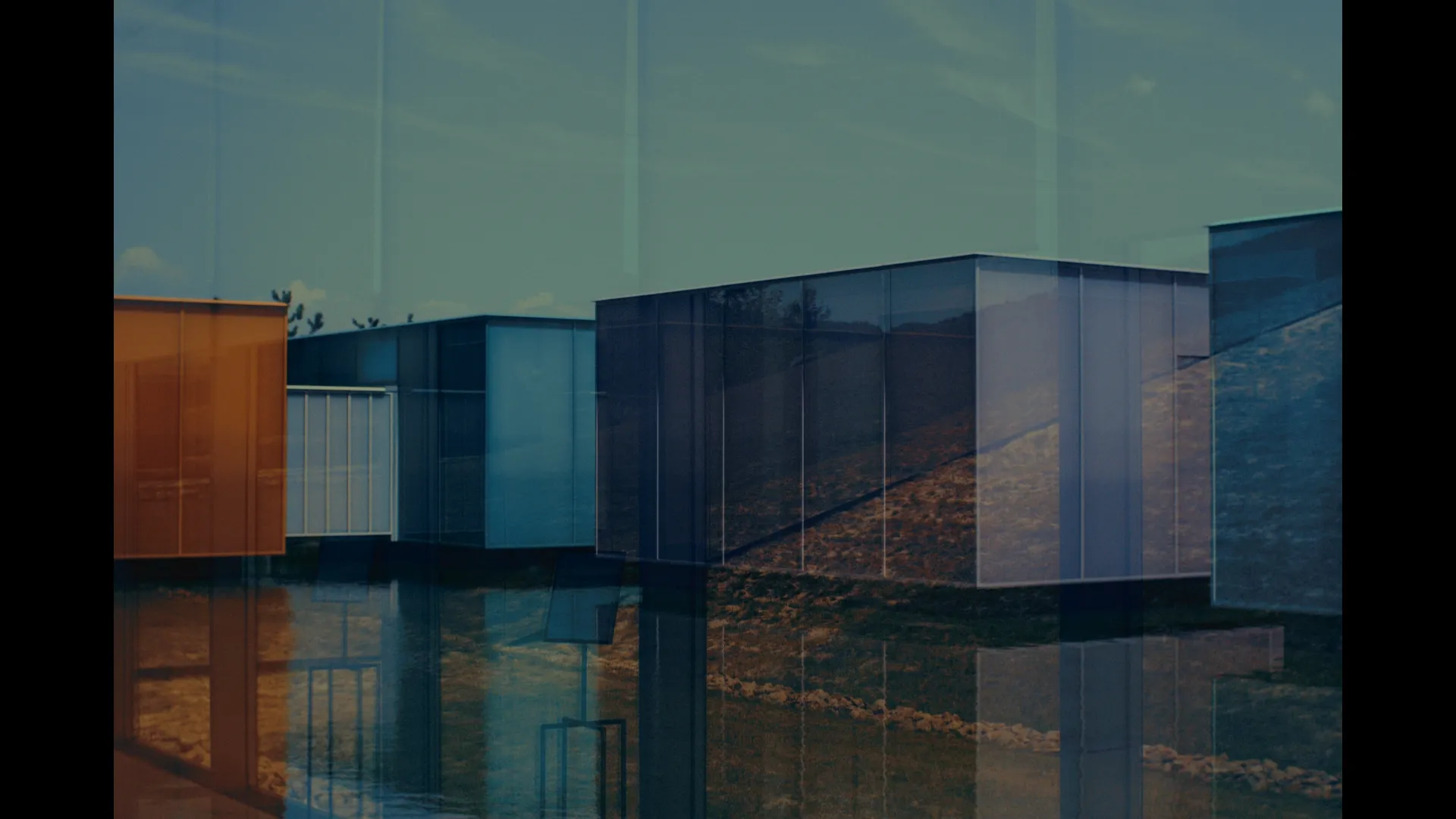
Carry the same grading recipe across different footage, then review exposure and balance for each shot.
Each digit shapes one part of the image. Combine them into a look that is easy to refine, remember, and recreate.
Shape contrast, density, shadow depth, and highlight roll-off.
Place warm and cool relationships across the image.
Direct the color character and saturation behavior.
Set the final density and film-inspired color finish.
Lock any part of a look you want to preserve. Change only the open components, then refine the result to fit the shot.
01 / Build & refine
Use Component Strength and Pivot to control how strongly each part of the code affects the shot. Look Mix blends the complete result, while Match and safety controls help the grade sit inside the source footage.
Adjust exposure and white balance first. Then refine strength and mix.
02 / Lock components
Lock Tone, Balance, Hue/Sat, or Finish independently. When you explore the next code, locked components remain unchanged and only open components are replaced.
Example: lock Tone and Balance, then cycle Hue/Sat and Finish.
03 / Review history
History records recent codes as you explore. Return to an earlier result, compare directions, and continue from the version that best fits the shot.
Use History before replacing a promising combination.
04 / Save favorites
Add strong results to Favorites so the same four-digit combination is easy to recall and reproduce on another shot or session.
The code preserves the recipe; shot-specific exposure and balance still need review.
See AVANT GRADE CODE in action with a complete walkthrough on YouTube.
Explore 9 curated looks in the free demo.
9 curated looks / Free demo
Explore a focused selection of looks inside DaVinci Resolve with no time limit.
Input CST: ARRI Log C3Place a Color Space Transform before AVANT GRADE CODE and convert your camera log footage to ARRI Log C3. No output CST is required after the effect.
All 10,000 Grade Codes, full resolution, advanced controls, History, Favorites, Mutate, and 3D LUT export.
AVANT GRADE CODE / OpenFX for DaVinci Resolve
Build a look, keep the parts that work, and save the result as a four-digit recipe you can recreate anytime.
Refund policy: Because this is a digital product, purchases are non-refundable once the download link has been provided, except where required by law or if a seller-attributable defect cannot be corrected or replaced. Full terms.