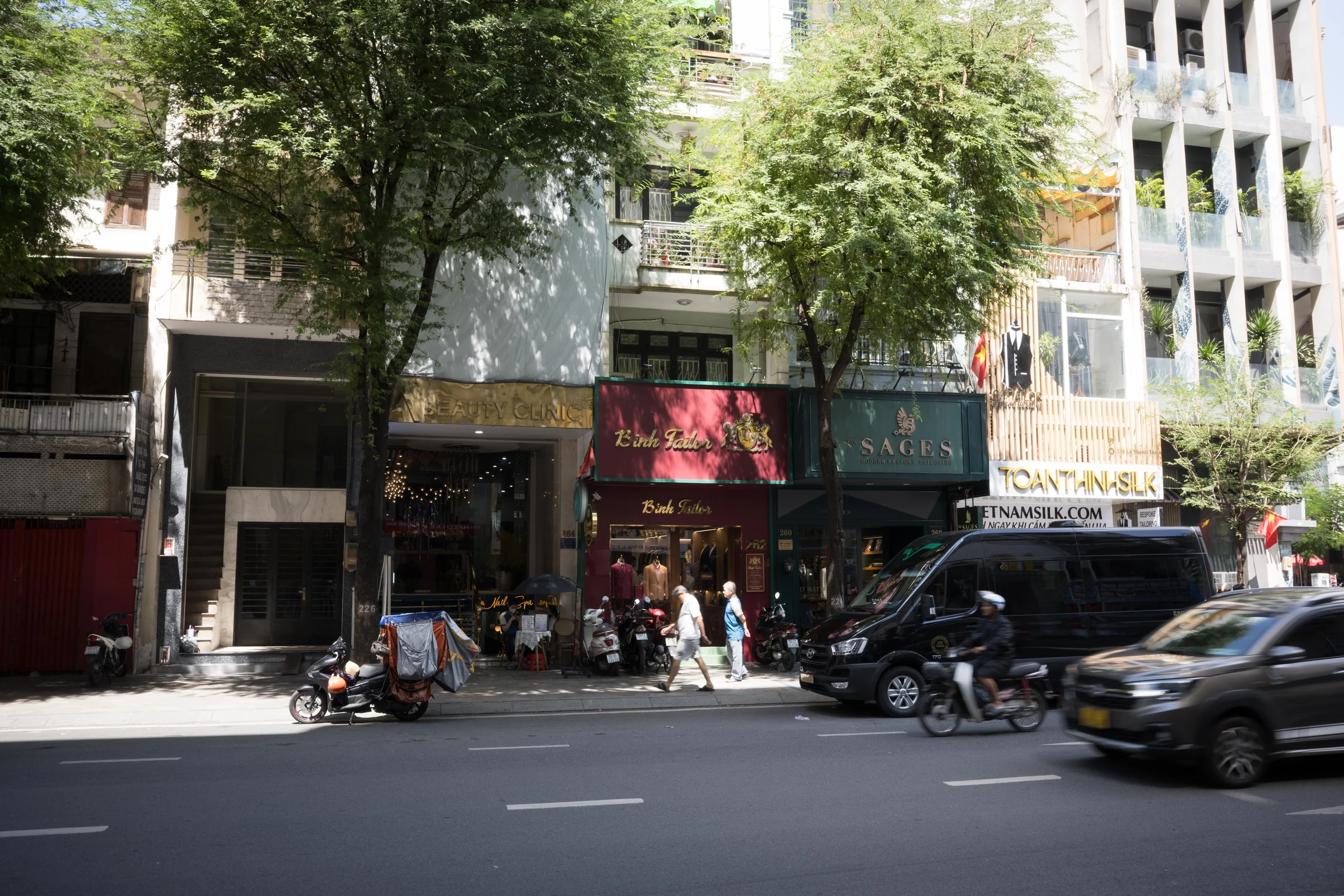
A consistent color direction, even in green shade.

This image could not be loaded. Please try again.
Drag the divider or use the arrow keys
AVANT / PRESET STORE / ITEM 03
Available now
One preset for a consistent AVANT look across desktop and mobile.
Apply the preset, then adjust exposure, white balance, and color to suit each photograph.


This image could not be loaded. Please try again.
Drag the divider or use the arrow keys
Original and graded versions using AVANT Lightroom Preset.
This image could not be loaded. Please try again.
Drag the divider or use the arrow keys


This image could not be loaded. Please try again.
Drag the divider or use the arrow keys
XMP and DNG files for your Lightroom workflow.
Import the XMP presets through the Presets panel on desktop.
Import the XMP file to make the preset available in Lightroom.
Open the supplied DNG files and save their settings as mobile presets.
The preset establishes a color direction. Exposure, white balance, camera profile, and the source image still shape the final result.
Use XMP in Lightroom Classic or Lightroom. Use the supplied DNG files for the mobile workflow.
Use AVANT Lightroom Preset as a starting point for each photograph.
Adjust exposure, white balance, and preset amount to suit the source.
One Lightroom preset delivered as XMP and DNG files after checkout.
Refund policy: Because this is a digital product, purchases are non-refundable once the download link has been provided, except where required by law or if a defect attributable to the seller cannot be corrected or replaced. Full terms.
One preset. One quiet color direction.